Sooner or later, every business owner hits the same wall: a website form, a printer, or a sponsorship organizer asks for a logo file you don’t have. The logo exists; the right file doesn’t.
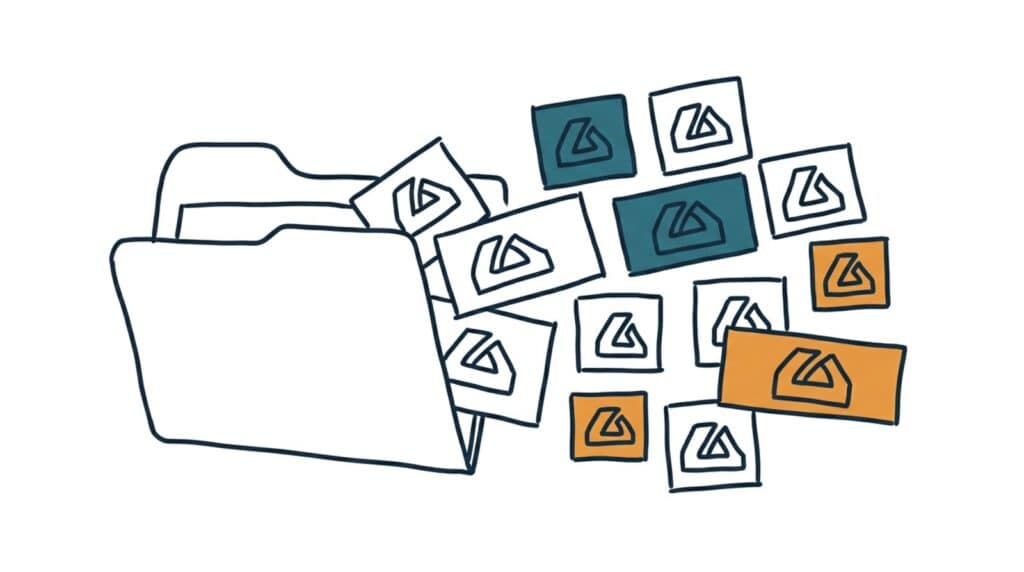
A logo isn’t one file. It’s a small kit of versions in different shapes, formats, and backgrounds, each built for a place your logo will live. Assembling the kit takes a designer an hour. Not having it costs you that hour again every time you’re stuck at an upload screen.
Why this matters
The wrong file in the wrong place quietly makes a business look worse than it is.
- A stretched or blurry logo undoes real money spent on branding. A crisp logo squashed into a favicon, or a tiny web file blown up on a banner, reads as carelessness in the exact spot meant to signal quality.
- White boxes follow logos with baked-in backgrounds. Put a white-background logo on a colored page and it floats in a white rectangle. Half the “bad logo” sightings in the wild are really missing-transparency sightings.
- Every platform crops differently. Social profile pictures crop to circles, website headers want wide marks, favicons are tiny squares. One shape can’t survive all of them; the kit exists because the placements differ.
- Vendors wait on files, and you pay for the delay. The shirt printer, the sign shop, and the web designer each need a specific format. Sending the wrong one adds a round-trip to every job, and sometimes a “we’ll fix it” fee.
The kit, piece by piece
Here’s the complete set. It sounds like a lot; it’s one master file exported a handful of ways.
Two formats: vector and raster.
The vector file, SVG for the web and EPS or AI for print, is the master: it’s math, not pixels, so it scales to a business card or a billboard with no quality loss. Raster files, PNG and JPG, are fixed grids of pixels, made for specific sizes. Rule of thumb: vendors and designers get vector; websites and uploads get PNG. If you only have a PNG today, getting the vector from your original designer is the single most valuable ask on this page.
Two shapes: horizontal and square.
A horizontal version for website headers, email signatures, and letterheads; a square version for profile pictures, favicons, and app icons. Nearly every platform wants one of these two. If your logo includes a wordmark, the square version is often the symbol alone, and it needs to survive a circle crop with comfortable padding, since social platforms display square uploads as circles.
Two backgrounds: transparent and solid.
The transparent PNG is your everyday workhorse; it sits cleanly on any color. Keep a version on solid white for platforms that don’t accept transparency, plus a light version of the logo itself for dark backgrounds. If your logo only exists as one color scheme, ask your designer for a reversed version; every brand eventually needs it.
The small sizes: favicon and friends.
The favicon is the tiny icon in the browser tab, and it’s usually your square mark exported at 512 pixels, which platforms shrink down. Simplify ruthlessly at this size; detail that sings at full size turns to mud at sixteen pixels.
Name the files so humans can pick the right one.
“logo-final-v3(2).png” helps no one. A pattern like Logo-BrandName-square-transparent.png or Logo-BrandName-horizontal-white.png tells anyone, including a vendor you’ll never meet, exactly which file to grab. Keep the whole kit in one folder, with your brand colors and fonts noted alongside; it doubles as the assets folder your brand style guide points to.
Putting it to work
- Inventory what you have. Search your email and downloads for every logo file you can find, and sort by the four questions: vector or raster, horizontal or square, transparent or solid, light or dark.
- Recover the vector master first. Email the person who designed the logo and ask for the SVG and EPS. Designers keep these; the ask takes two minutes and unblocks everything else.
- Export the kit once. From the vector, you or any designer can export the full set in under an hour. The prompt below writes the exact request so nothing gets missed.
- Test the two failure spots. Drop the transparent PNG on a dark page and check the mark survives; upload the square to a social profile and check the circle crop doesn’t clip it.
- Store it where you’ll find it. One folder, plainly named files, backed up, with a shortcut anywhere you regularly upload from. Send vendors the folder link instead of digging per request.
One honest limit. This kit assumes the logo itself works. If your mark is unreadable when small or an ornate JPG from 2009, the kit inherits those problems. Rebuilding files can’t rebuild a logo; that’s a design conversation, and how to brief a designer covers how to have it well.
Take this prompt with you
Two ways to use this: paste it into ChatGPT, Claude, or Gemini to audit what you have, or send the checklist straight to your designer as the request.
Help me build a complete logo file kit for my business.

What I have now: [list every logo file you can find with its extension, e.g. "logo.jpg 800px, logo-white.png, maybe an .ai file from the original designer"]

Where my logo needs to appear: [check all that apply: website, social profiles, email signature, print/signage, shirts/merch, invoices, favicon]

Step 1. Audit: tell me what I already have, what's missing, and what I should ask my original designer for. Flag anything unusable (too small, wrong format, baked-in background).

Step 2. Give me the export checklist for a designer, with these defaults adjusted to my needs:
- Vector masters: SVG + EPS, full-color, transparent background
- Horizontal logo: transparent PNG at 2000px wide, plus solid-white JPG
- Square mark: transparent PNG at 1024px, tested for circle crop with safe padding
- Reversed/light version of both shapes for dark backgrounds, transparent PNG
- Favicon source: square mark, simplified if needed, PNG at 512px
- File naming: Logo-[BrandName]-[shape]-[background].[ext]

Step 3. Write the short, polite email to my designer requesting exactly these files, mentioning I expect this to be quick since the vector master exists.

If I told you I have no vector file and can't reach the designer, explain my two real options: a redraw from the highest-resolution file I have, or a vectorization service, with honest pros, cons, and rough costs of each.