An AI assistant can write your blog posts and social captions, but it can’t see the six hundred photos on your phone. Organize the library once, and it never has to.
The technique is a working file-management habit from my own practice: rename every image to say what it shows, resize the oversized ones, and build one spreadsheet that describes them all. After that, an AI can pick the right photo for an article or a post by reading the spreadsheet, the way you’d pick from a contact list instead of calling every number to hear who answers.
Why this matters
A photo library full of files named IMG_4823.jpg is write-only storage. Things go in; nothing comes back out.
- Photos you can’t find are photos you don’t have. You paid for that job-site shoot. If finding the right image takes twenty minutes of scrolling, you’ll reach for a generic stock photo instead, and your marketing loses the realness that makes local businesses trustworthy.
- Huge files quietly slow your website. Phones shoot photos at 4000 pixels and several megabytes. Uploaded as-is, they make pages drag, and slow pages lose visitors and rank worse on Google. Web images need to be shrunk first.
- AI can’t browse your pictures. When an assistant writes a post and needs “a photo of the crew installing a fence,” it has no way to look. Every AI workflow stalls at the same step: a human scrolling a camera roll. The index removes that step.
- Meaningful filenames and alt text help you show up on Google. Search engines read file names and alt text, the written description of an image that screen readers use. “deck-installation-cedar-austin.jpg” works for you; “IMG_4823.jpg” says nothing.
The system, in three parts
The goal is a library where a computer, or a new employee, can find any photo without opening a single file.
1. Names that describe the picture.
Every file gets renamed to what it shows, in plain words with hyphens: “kitchen-remodel-white-cabinets-after.jpg”, “crew-loading-trailer-morning.jpg”. The test: could someone pick the right photo from the filename alone, without a thumbnail? Keywords your customers search for belong in there naturally, never stuffed.
2. Sizes the web can carry.
Keep your originals somewhere safe, then make web copies resized to about 1600 pixels on the long side and saved as compressed JPGs. That’s a fraction of the file size at quality no visitor can tell apart. Batch tools do a whole folder at once; nobody resizes six hundred photos by hand.
3. One spreadsheet that describes everything.
The index is the piece that makes the library AI-usable. One row per image, with columns for: filename, a one-sentence description, a few tags, orientation, where it’d work best (hero image, blog, social), and ready-to-paste alt text. Building this by hand would take days. AI vision tools do it in one pass: they look at each photo and write the description, tags, and alt text for you. That’s what the prompt below is for.
From then on, any AI session starts with “here’s my image index” pasted in, and the assistant can say: use kitchen-remodel-white-cabinets-after.jpg for the header. It chose from six hundred photos without seeing one.
Putting it to work
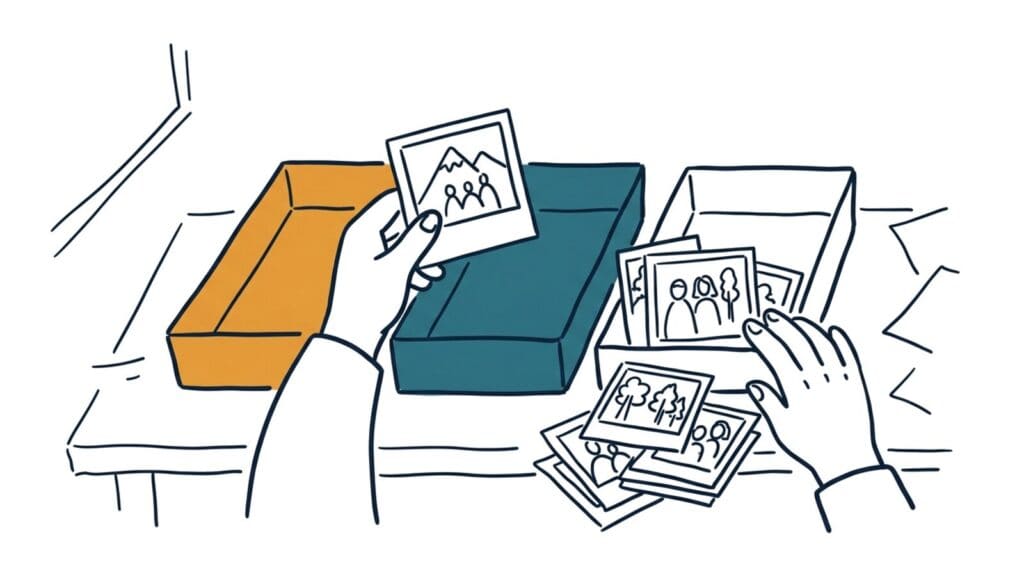
- Gather everything into one folder first. Phone, laptop, old drives, your photographer’s delivery folder. Duplicates and blurry shots get deleted now, at the start, before any renaming effort is spent on them.
- Rename before you resize. The name travels with every copy you make afterward. Do it while making the web-sized copies and the whole library comes out consistent in one pass.
- Let AI write the index. Upload photos in batches to an AI that accepts images, with the prompt below. It returns spreadsheet rows: description, tags, suggested use, alt text. Paste them in as you go; a few batches gets the whole library done.
- Spot-check what it wrote. AI describes what it sees, not what it means. It can’t know the cabinets are custom cherry or that the man on the left is you. Skim the rows and add the details only you know, especially names, project types, and locations.
- Keep it alive with a monthly top-up. New photos get named, resized, and added to the index in one short sitting. A system that requires a big annual cleanup isn’t a system; it’s a recurring emergency.
One honest limit. The first pass on a big library is a real afternoon of work even with AI doing the writing. It’s also work you do once. Every image task after that, by you, an assistant, or an AI, gets faster for years.
The payoff compounds when you publish: articles built the way the SEO writing guidelines describe need images with proper names and alt text anyway. With the index, they’re already done.
Take this prompt with you
Use this with an AI that accepts image uploads (ChatGPT, Claude, or Gemini). Upload 10 to 20 photos at a time and paste this with each batch.
You're helping me build an image index for my business photo library. I run a [type of business] in [city or region]. Customers typically find us by searching for things like [2 or 3 phrases customers might search].

For each image I've uploaded, give me one spreadsheet row with these columns, separated by pipes (|):

1. Suggested filename: lowercase, hyphens between words, describing exactly what's in the picture, ending in .jpg. Work in a natural search phrase only where it genuinely fits what's shown.

2. Description: one sentence saying what the photo shows, specific enough that someone could pick this photo from the description alone.

3. Tags: 3 to 6 short keywords for filtering, like: exterior, team, before-after, equipment, finished-work.

4. Orientation: landscape, portrait, or square.

5. Best use: one of: website hero, service page, blog article, social post, testimonial backdrop, or archive only (for photos too weak to publish).

6. Alt text: one factual sentence describing the image for someone who can't see it, under 125 characters, no "image of" or "photo of."

Rules: describe only what's actually visible; don't invent details or locations. If a photo is blurry, dark, or unusable, mark its best use as "archive only" and say why in the description. If two photos are near-duplicates, note it in the tags so I can keep the better one. Output all rows in one block I can paste into a spreadsheet.